Room-by-room cleaning checklist

Free checklist of what to clean in each room every day, week and month. Pick your rooms, adjust the chores and download it as a PDF.

See and download the template
Your template, ready to printChange anything you like and download it as a PDF.

How to use the checklist

Check the rooms you have. Each one appears with its chores grouped by frequency and a box to tick on paper once you print it.

Add your own chores from “Add a task”, choosing the room, and remove the ones that don’t apply with the ×. If you have a dishwasher, change “wash the dishes” to “empty the dishwasher”; if you have hardwood floors, change “mop” to whatever you use.
What order to clean a room in

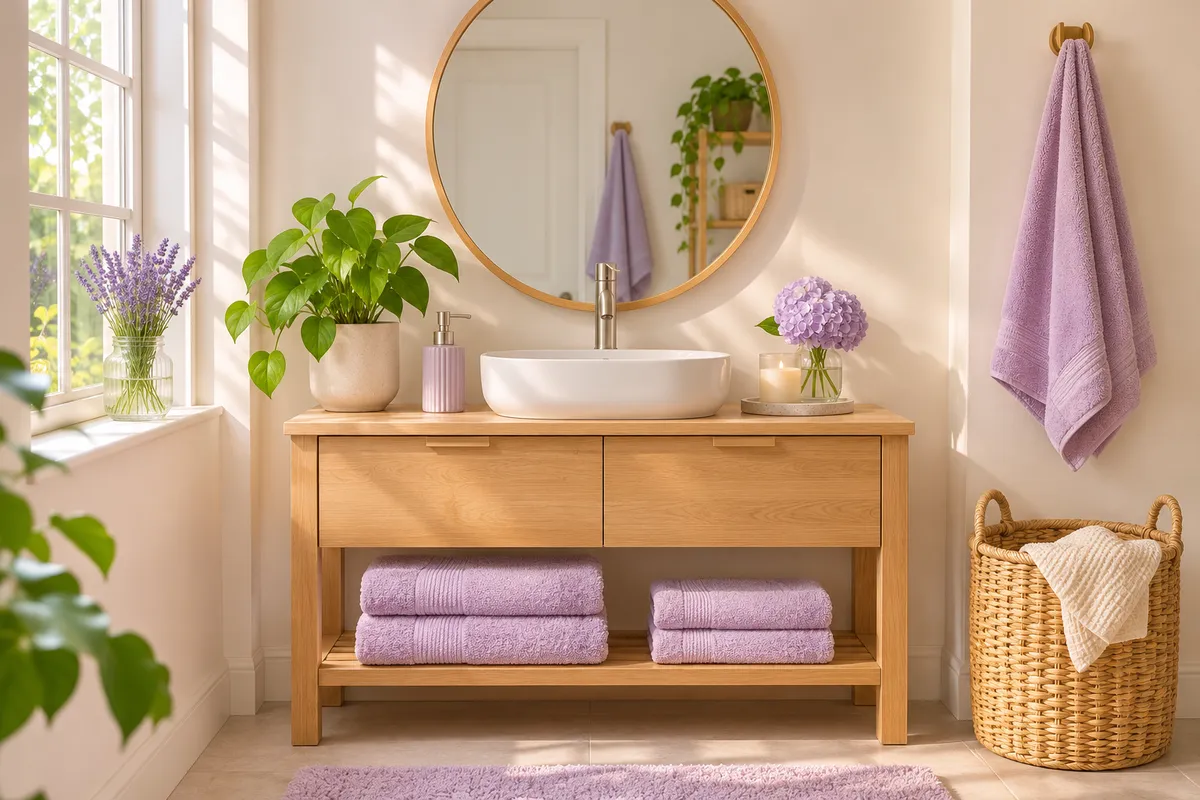
Top to bottom and dry to wet. First put away anything out of place, then dust shelves and furniture, then wipe surfaces, and finish with the floor. That way you pick up whatever dust falls at the end and don’t clean twice.

In the kitchen and bathroom, let the cleaner sit in the sink, toilet or shower while you do something else, then come back to rinse. Always follow the directions on each product’s label.

For a deep clean

If you’re doing a deep clean, check every room and look at the monthly block in each one: oven, fridge, range hood, tiles, windows, closets, mattress. Spread it over several days; trying to do it all in one go usually ends half-finished.

For a move-out clean, the checklist works too: check every room and add what an empty home needs, like the inside of closets and drawers or the baseboards.

From checklist to plan

A checklist tells you what needs doing; a schedule tells you when. Once you know which chores you want to keep up with, move them into the weekly cleaning schedule to spread them across the week. Or add them to Tidily: each room with its chores and frequency, and the app shows you only what’s due each day.

Frequently asked questions

What should I clean in each room?

Every day, what gets the most use: dishes, counters, the bed and tidying up. Every week, the full bathroom, floors, dusting and sheets. Every month, the oven, fridge, windows, tiles and closets. The checklist splits it by room.

What is the right order for cleaning?

Top to bottom and dry to wet: tidy up, dust, wipe surfaces and finish with the floor.

Can I change the chores on the list?

Yes. Tap any task’s text to change it, remove the ones you don’t need with the × and add your own from “Add a task”.

Are my changes saved?

Yes, in this browser. If you come back on the same phone or computer, the list is just as you left it and you can download it again.

Find out what to clean today.

Download Tidily for free and add your home’s chores in a couple of minutes.

Download on the App Store