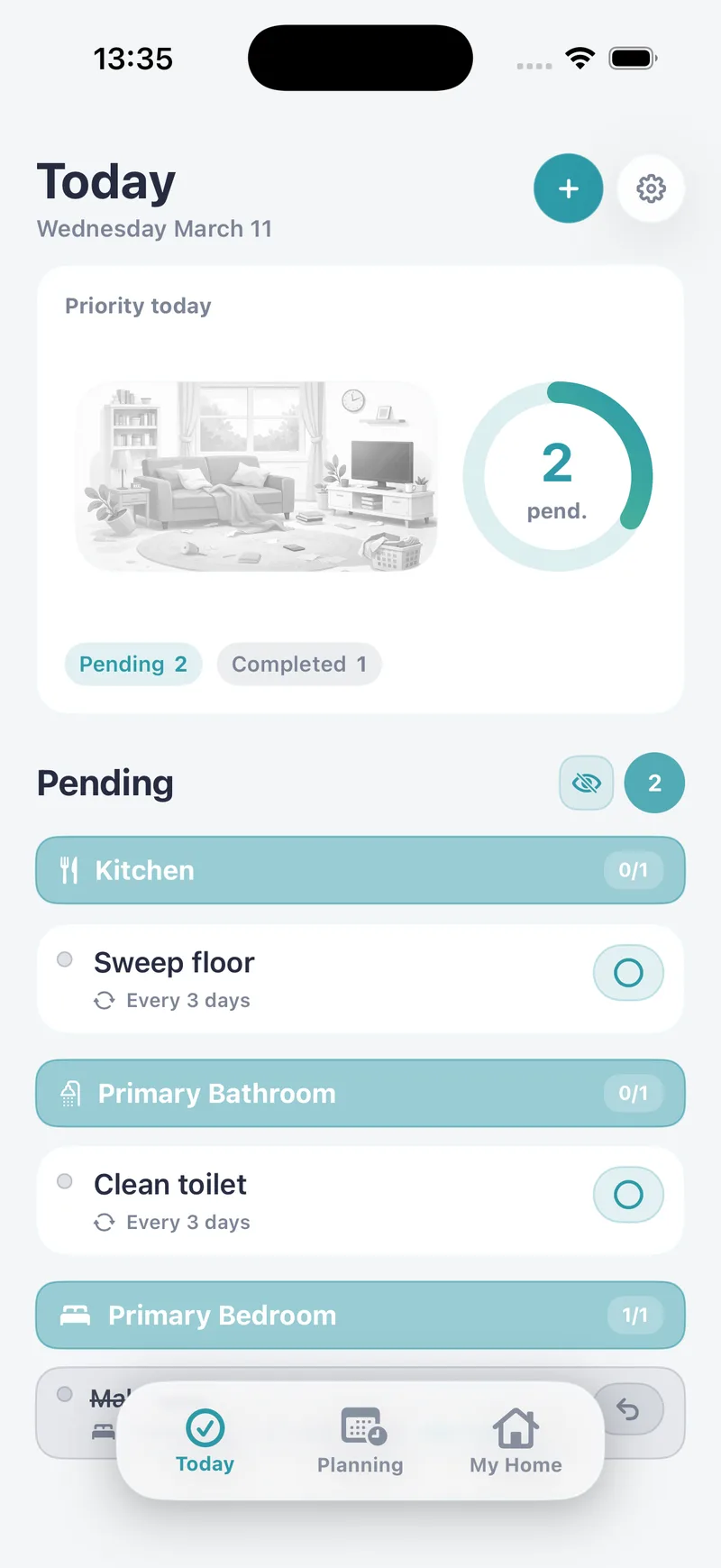
TODAY
Open the app and see what’s due.
Today’s chores are grouped by room. Check off what you finish, skip what doesn’t need doing, or move a task to another day with a swipe.
- Today’s chores by room
- Done, skipped or moved
- Overdue tasks stay in sight
HOUSE CLEANING APP FOR IPHONE
Add the rooms in your home and their chores, and choose how often each one is done. Every day, Tidily shows you in one list what’s due and what you still have pending.
Free for iPhone and iPad · No account needed

HOW IT WORKS
TODAY
Today’s chores are grouped by room. Check off what you finish, skip what doesn’t need doing, or move a task to another day with a swipe.
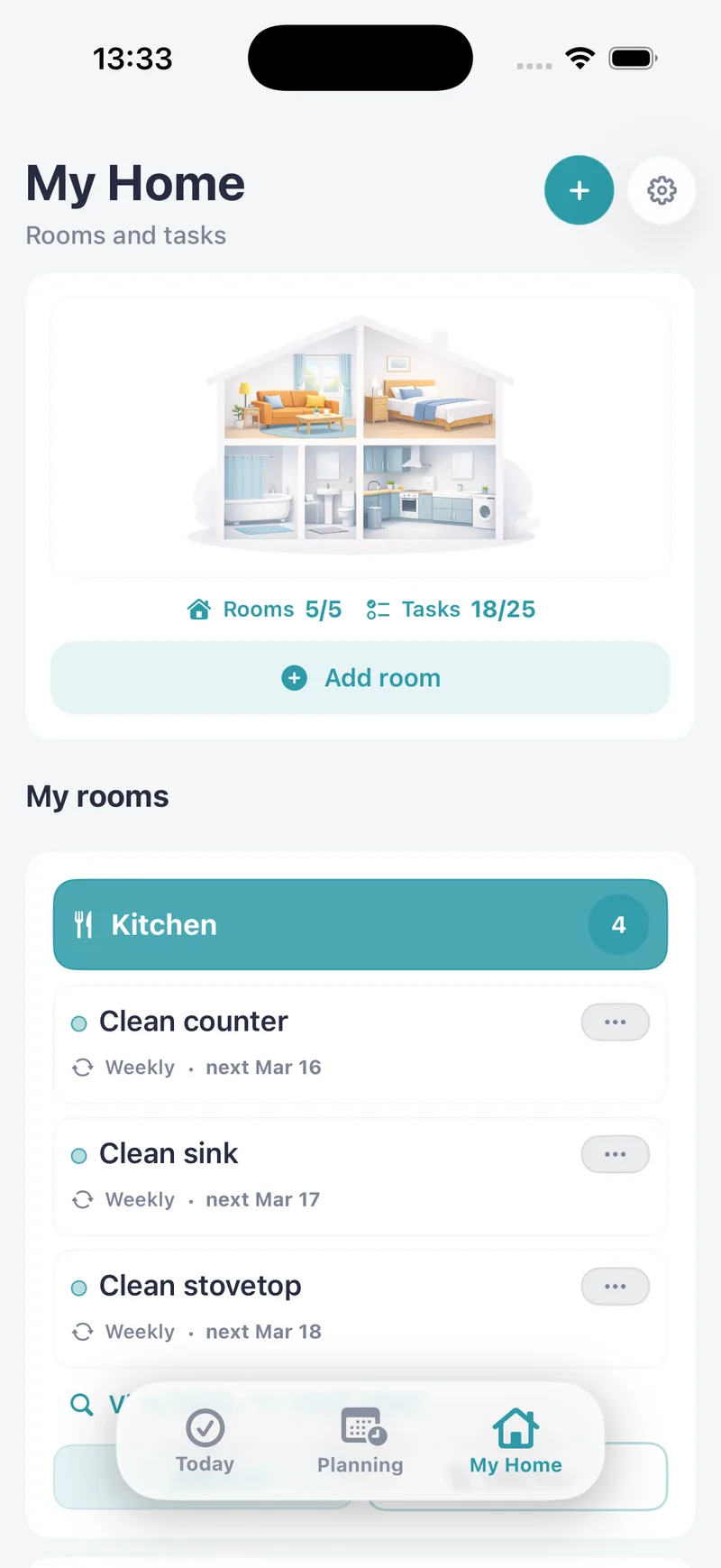
MY HOME
Kitchen, bathroom, living room, balcony or the kids’ room. Create the rooms you have and add their chores: one-off, or repeating daily, weekly, monthly, every few days or on the weekdays you pick.
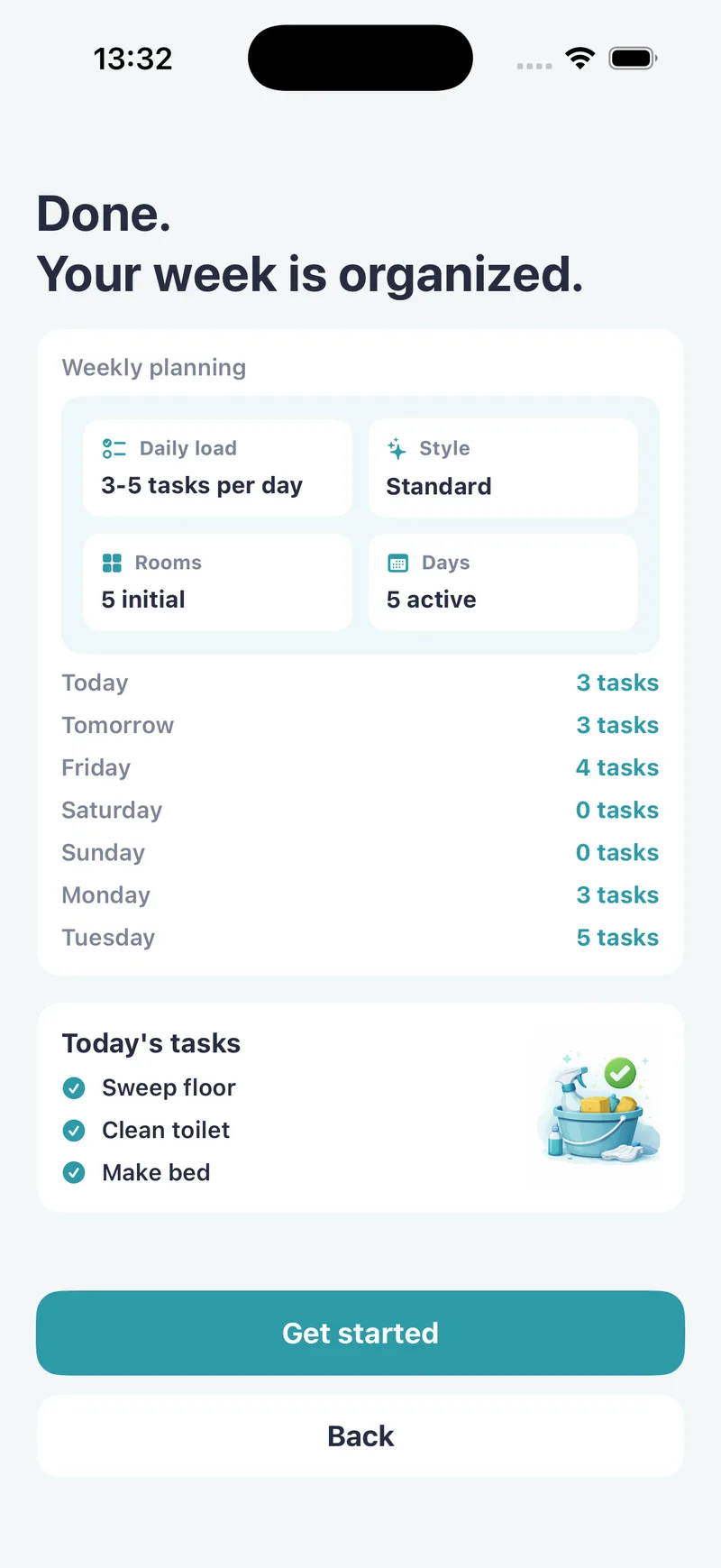
TO GET STARTED
The first time you open the app, you can choose your rooms, how you like to clean, which days suit you and how many chores you want per day. Tidily then suggests starter tasks that you can change, delete or add to.
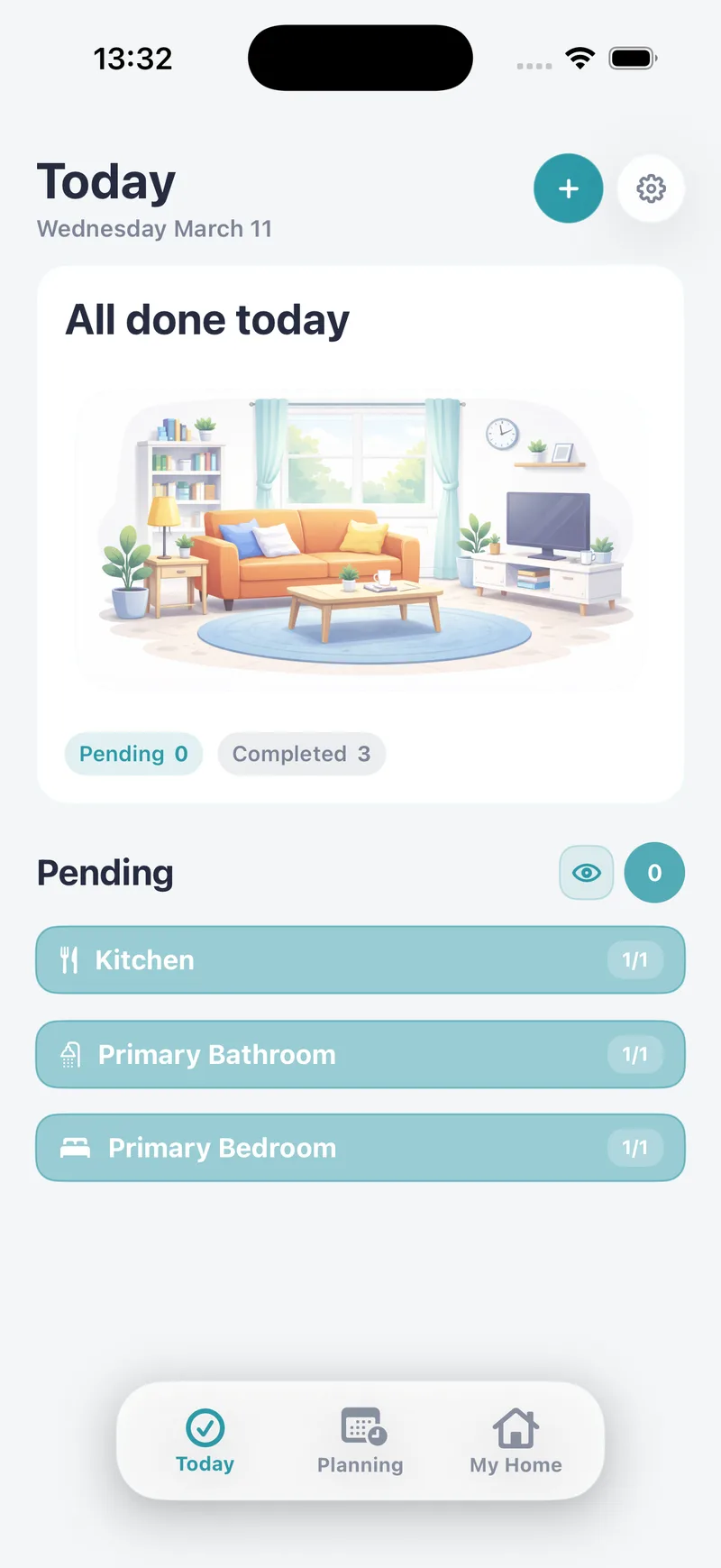
ALL DONE
An overdue task stays in Today until you do it, without piling up a copy for every day you missed. Once you finish it, it goes back to its normal schedule.
Learn how to add rooms and chores, complete today’s tasks and set reminders, with real app screenshots.
AND ALSO
Pick the time and days you want a nudge to get started on the house.
Drag a task from one day to another when your plans change.
The same app on your phone and your tablet.
Download it and start organizing your home right away.
FREE TEMPLATES
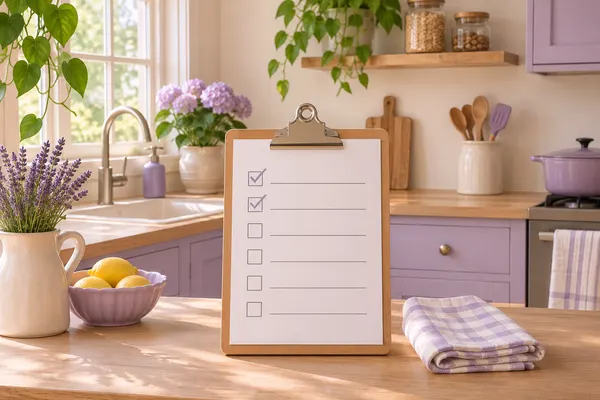
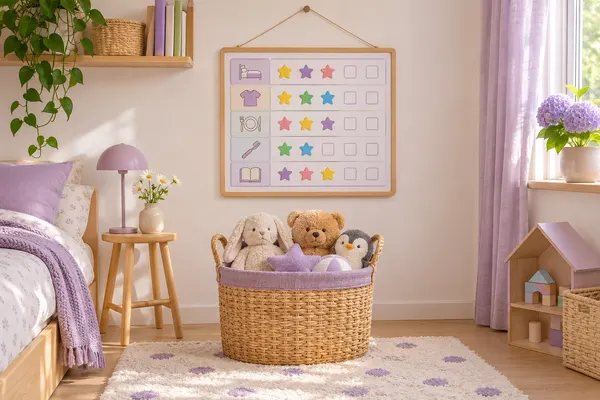
Pick your rooms and download a cleaning schedule, a room-by-room checklist, a household chore chart or your kids’ chore chart as a PDF. Free, no sign-up.
BLOG

Every cleaning chore for the kitchen, bathroom, bedroom, living room and entryway, split into daily, weekly and monthly tasks, plus the order to do them in.
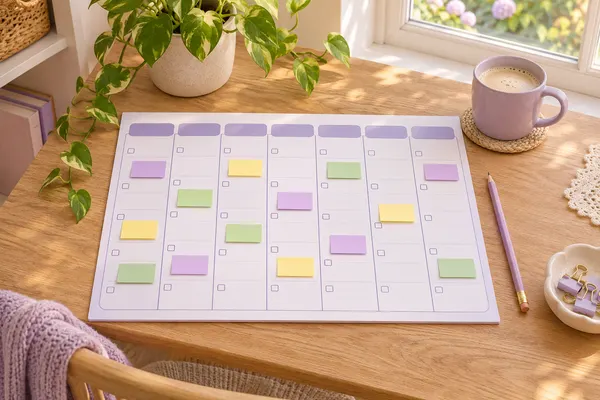
How to spread house cleaning across the week, what to do every day and what to leave for once a month, with a sample schedule you can copy.
It helps you organize cleaning and household chores from your iPhone or iPad. You add your rooms and their chores, choose how often each one is done, and the app shows you what’s due every day.
Yes. Tidily is free to download and you can start using it without creating an account. Some features, like the Planning view, are part of Tidily Pro.
You don’t have to. When you start, you can choose your rooms, your cleaning style, the days that suit you and how many chores you want per day, and Tidily suggests some starter tasks. Then you change them, delete them or add your own.
It stays in your Today list as overdue until you do it or move it to another day. For recurring tasks you’ll see just one pending copy, even if several days have passed, and once you finish it, it returns to its normal schedule.
Yes. You can add any household task: watering plants, grocery shopping, laundry or checking the boiler.
Yes. You can turn on a reminder at the time and days you choose so the app lets you know it’s time to get started on the house.
Download Tidily for free and add your home’s chores in a couple of minutes.